
Most ecommerce platform comparisons are written for brands with a marketing team. A small business has different limits: one to five people, a tight monthly budget, and no time to maintain a stack of connected tools. The best platform for a small business is the one that costs little now, stays affordable as you grow, and does not need a developer.
Work out the real monthly cost
The plan price is the smallest part of the bill for many stores. Add these up for a realistic month:
- The plan itself.
- Any platform fee on each sale, on top of what your payment provider charges.
- Apps for reviews, subscriptions, loyalty, email marketing, WhatsApp and support.
- A premium theme, if you need one.
Here is how fee structures play out for a store with 300 orders a month at an average of $30, which is $9,000 in sales:
- A 2% platform fee costs $180 a month, and grows with every sale.
- A flat $0.10 per order costs $30 a month, whatever the order value.
On ZingaShop's Growth plan, that store pays $49 plus 300 orders at $0.10. The plan's 2,500 included coins (worth $25) cover most of the order fees. Payment processing is separate and goes to your own gateway.
All-in-one platform or separate tools?
A typical small online business ends up with a store, an email tool, a WhatsApp or SMS tool, a help desk and a spreadsheet of customers, each billed separately and each with its own copy of your customer list.
An all-in-one platform trades some depth in each tool for one customer record, one bill and no sync to maintain. For a team of one to five, that trade is usually worth it. ZingaSuite is built on this idea: ZingaShop for the store, ZingaConnect for WhatsApp, email and SMS, and Zingasolve for help docs and support, sharing one customer list.
Separate best-of-breed tools make sense when one function is central to your business and needs the deepest tool on the market, for example a subscription-box company whose whole model is recurring billing.
Features that matter at small scale
- The payment methods your customers use, including cash on delivery or UPI where that is the norm.
- Simple inventory with low-stock alerts and CSV import, so a spreadsheet can update stock in bulk.
- Discount codes and abandoned-cart reminders: the two marketing features with the quickest payback (see ZingaShop promotions).
- Free sales channels: Google's free product listings and a Meta catalog for Instagram and Facebook, synced from your catalog.
- An in-store till if you also sell at a counter, a market or events, so stock stays in one place (ZingaShop POS).
- Staff accounts with permissions, so a part-time helper does not need your password.
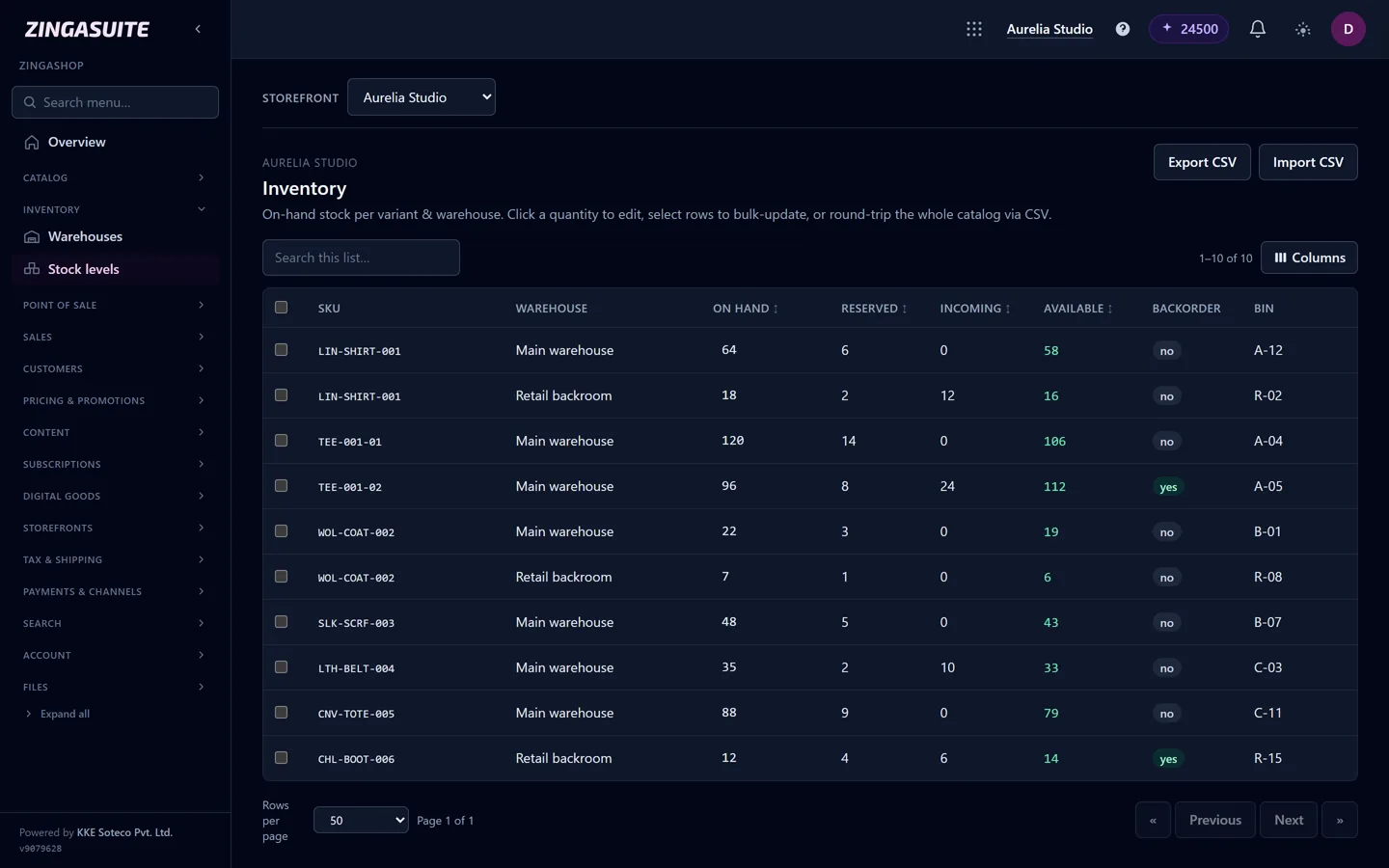
Inventory per variant and warehouse: on hand, reserved and available, with CSV import and export for bulk updates.
Red flags
- Essential features such as reviews or abandoned-cart email are only available as paid add-ons.
- An extra fee for using the payment gateway you already have.
- No CSV export of products, customers and orders.
- A free plan that cannot take a real payment.
- Pricing that is a percentage of your revenue with no ceiling.
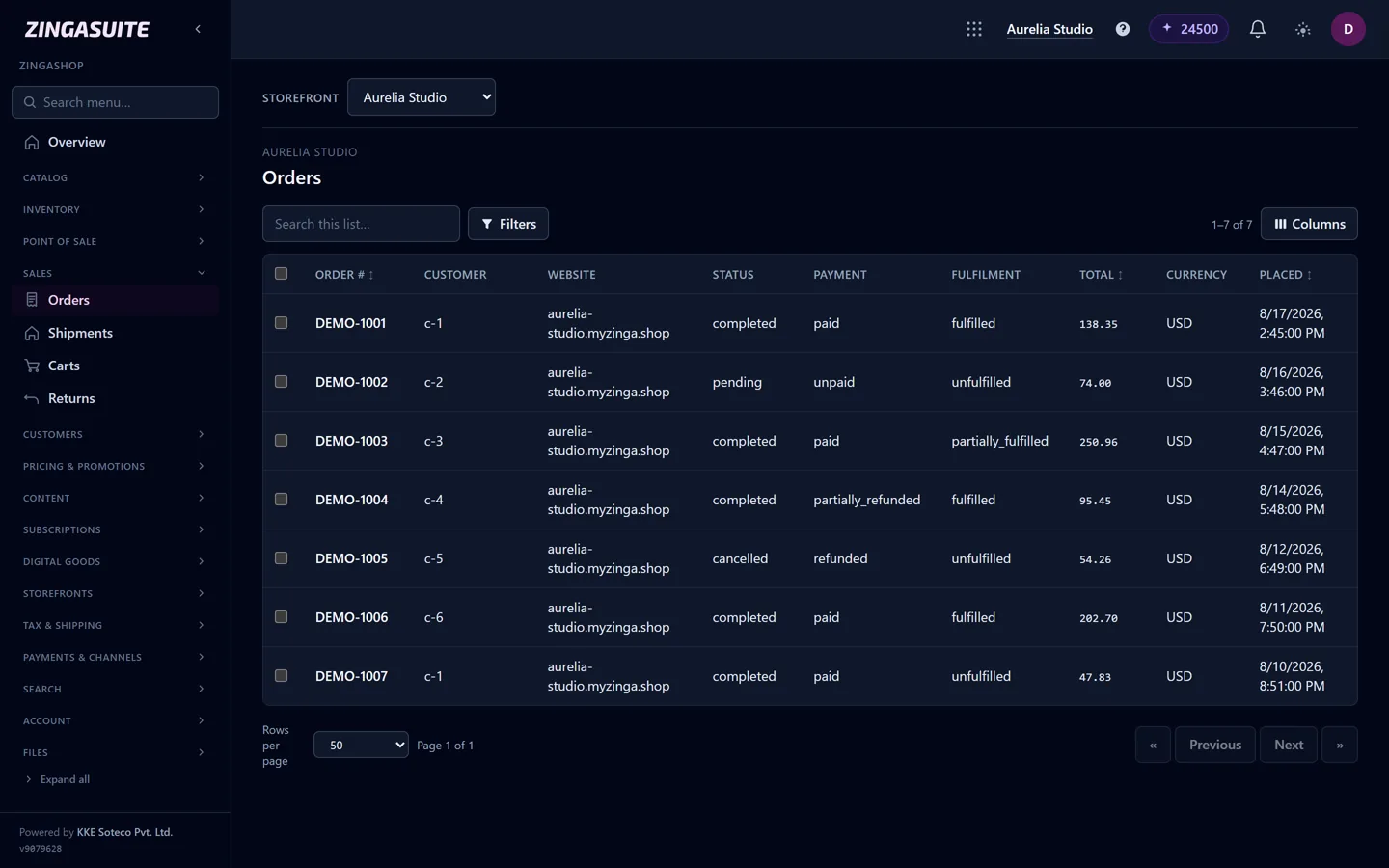
Every order in one list, with payment and fulfilment status at a glance.
A simple way to decide
- List the five things your business must do online this year.
- Shortlist two or three platforms that do them without add-ons.
- Price each for your expected order volume in twelve months, not today's.
- Run a test order with your real payment gateway.
For a side-by-side look at the main builders, see our ecommerce website builder guide.
FAQ
Common questions
What is the best ecommerce platform for a small business?
Should a small business pay a percentage of sales to its platform?
Is a free ecommerce plan good enough to start?
Can I sell in-store and online from one system?
Price your store in a minute
Use the pricing calculator to see what ZingaShop costs at your order volume.